
Restaurant POS Software for Dine-in, Takeaway & Delivery
Take orders by table, send them to a live kitchen screen, deduct ingredients by recipe, and close every shift with a matching cash register — built for Pakistani restaurants, cafés and fast-food outlets.
Web-based · any PC, tablet or phone
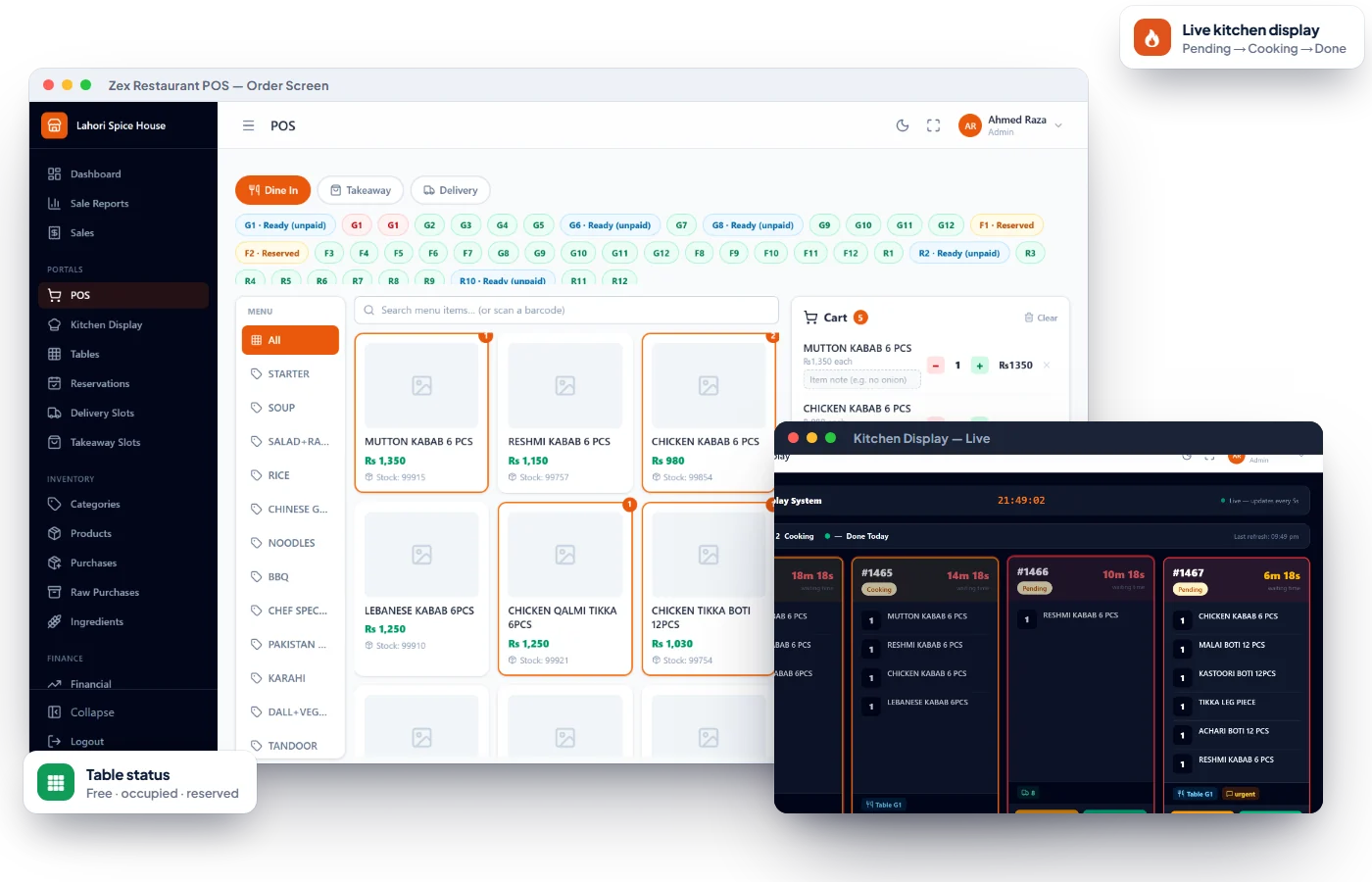
Problems Zex Restaurant POS solves on day one.
Kitchen loses or mixes up orders
Orders appear on a live kitchen screen and kitchen slip, and move from pending to cooking to done.
Ingredients vanish without a trace
Recipe items deduct raw ingredients automatically on every sale.
Cash doesn't match at closing
Open and close the register per shift and compare expected against counted cash.
Everything in Zex Restaurant POS.
Every feature below is part of the software today — see them all on a free demo.
Dine-in, Takeaway & Delivery
One POS screen for every order type, with discounts, tax and service charge.
Table Management
Set up tables with capacity and see which are free, occupied or reserved.
Kitchen Display
A live kitchen screen shows new orders; cooks mark them cooking and done.
Kitchen Slips & Invoices
Print kitchen slips for the line and invoices for the customer.
Recipes & Ingredients
Link menu items to recipes so each sale deducts the right raw quantities.
Raw Purchases & Suppliers
Record ingredient purchases from suppliers and keep raw stock current.
Coupons & Discounts
Create coupons and apply them at the POS for promotions and regulars.
Reservations
Book tables ahead and track each reservation's status.
Delivery & Takeaway Slots
Define time slots so orders are promised only when the kitchen can deliver.
Online Orders
Receive and review orders placed through your online store.
Register Open/Close
Each shift opens with a float and closes with a cash count and summary.
Sales, Expenses & Salaries
Sales reports, expense tracking, staff salaries and a financial dashboard.
Every order type on one screen
Waiters and cashiers take dine-in orders by table, ring up takeaway at the counter, or schedule a delivery into a time slot — with coupons, discounts, tax and service charge applied correctly.
- Dine-in by table, takeaway and delivery
- Coupons and discounts at the POS
- Tax and service charge on the bill
- Tables marked free, occupied or reserved
A kitchen that sees orders the moment they're placed
The kitchen display refreshes live. Cooks move each order from pending to cooking to done, so the counter always knows what's ready — and nothing is lost on a paper slip.
- Live kitchen screen
- Pending → cooking → done
- Printed kitchen slips for the line
- Order details with items and notes
Recipe costing that keeps ingredients honest
Link each menu item to its recipe. When it's sold, the matching raw ingredients are deducted, so your ingredient stock reflects reality and wastage becomes visible.
- Recipes per menu item
- Automatic ingredient deduction on sale
- Raw purchases from suppliers
- Ingredient list export
Built for restaurants · cafés · fast food.
Go live in three simple steps.
No IT department needed — most shops can start billing the same day they install.
Book a free demo
Tell us about your business. We show you the software working on your kind of products and answer every question.
Install & activate
Install on your shop computer (or open the web app), enter your license key once, and add your items, rates or menu.
Start selling
Bill, track stock and khata from day one. Questions later? We're one WhatsApp message away.
Restaurant POS — common questions
Everything you need to know. Can't find your answer? Talk to our team.
Does it support dine-in, takeaway and delivery?
Yes. All three order types are handled from the same POS, with tables for dine-in and time slots for takeaway and delivery.
Is there a kitchen display screen?
Yes. The kitchen screen updates live and cooks move each order from pending to cooking to done. Kitchen slips can also be printed.
Can it deduct ingredients when food is sold?
Yes. Link menu items to recipes and each sale deducts the matching raw ingredient quantities from stock.
Can waiters use it?
Yes. There are separate roles for admin, cashier and waiter so each person sees what they need.
How do I get a demo and price?
Message us on WhatsApp for a live demo with your own menu and pricing for your outlet.
Reading for restaurants owners.
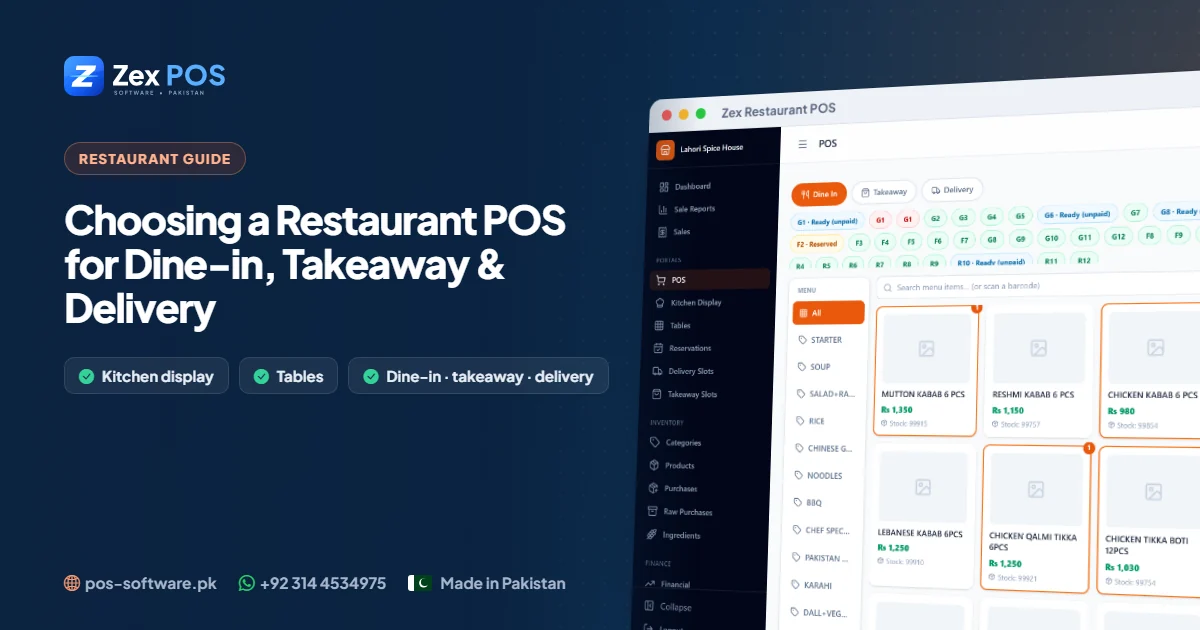
Restaurant POS Software in Pakistan: Running Dine-in, Takeaway and Delivery from One System
A restaurant is three businesses at once — a dining room, a takeaway counter and a delivery kitchen. Here is what restaurant POS software must handle to keep all three running smoothly.
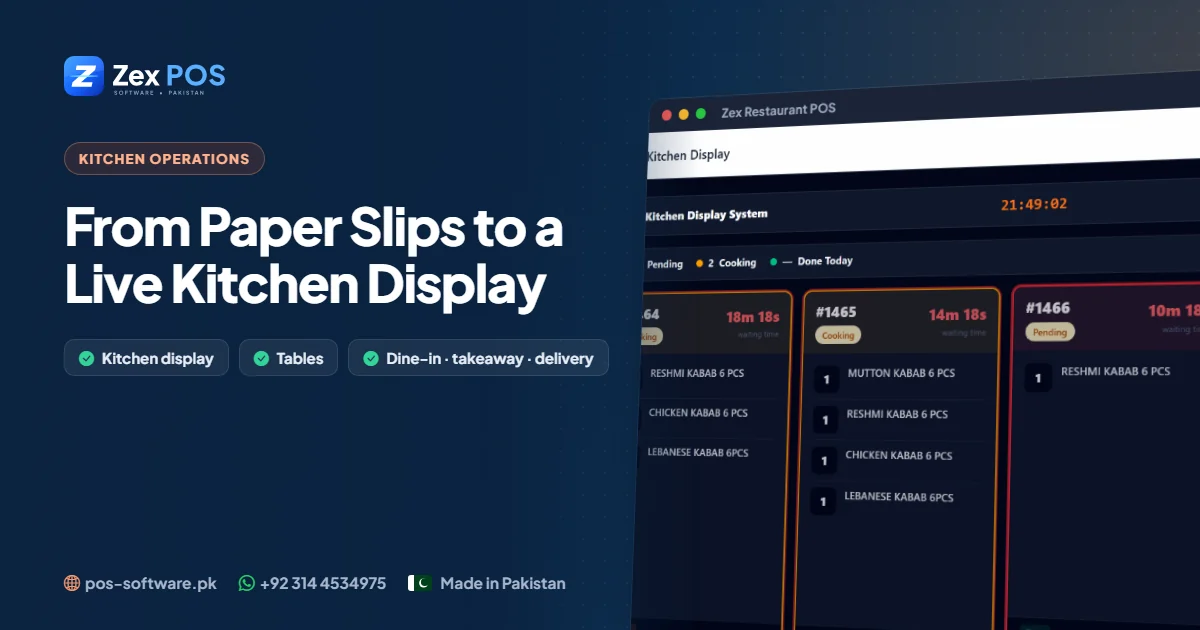
From Paper KOTs to a Live Kitchen Display: Fixing Order Mix-ups in Your Restaurant
Lost slips, forgotten items and "where is my order?" — most service problems start between the counter and the kitchen. A live kitchen display closes that gap.
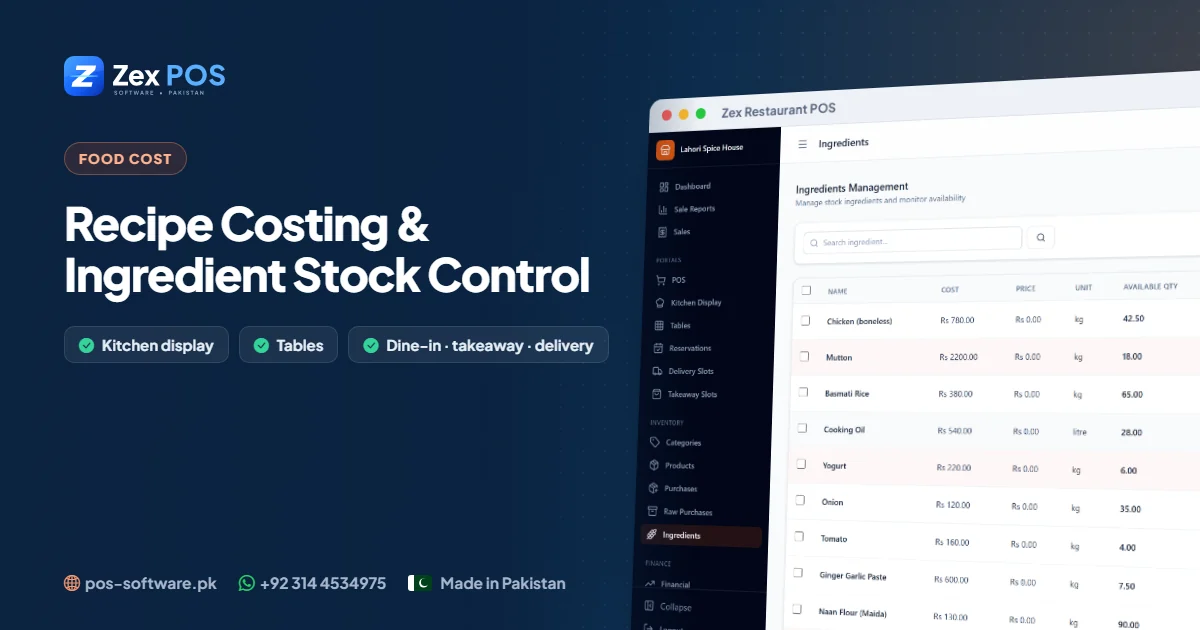
Recipe Costing and Ingredient Stock Control for Pakistani Restaurants
If you sold 120 karahis this week, how much chicken should be left in the freezer? Recipe-based stock control answers that question — and shows where food cost is leaking.
Get a free restaurant pos demo.
Tell us about your business. We'll come back with the right product, pricing and a live demo.