
Pesticide Dealer Software for Agri Stores in Pakistan
Bill faster, watch expiry dates, manage farmer udhaar season to season, and keep supplier ledgers straight — offline on your shop computer.
Windows desktop · works offline
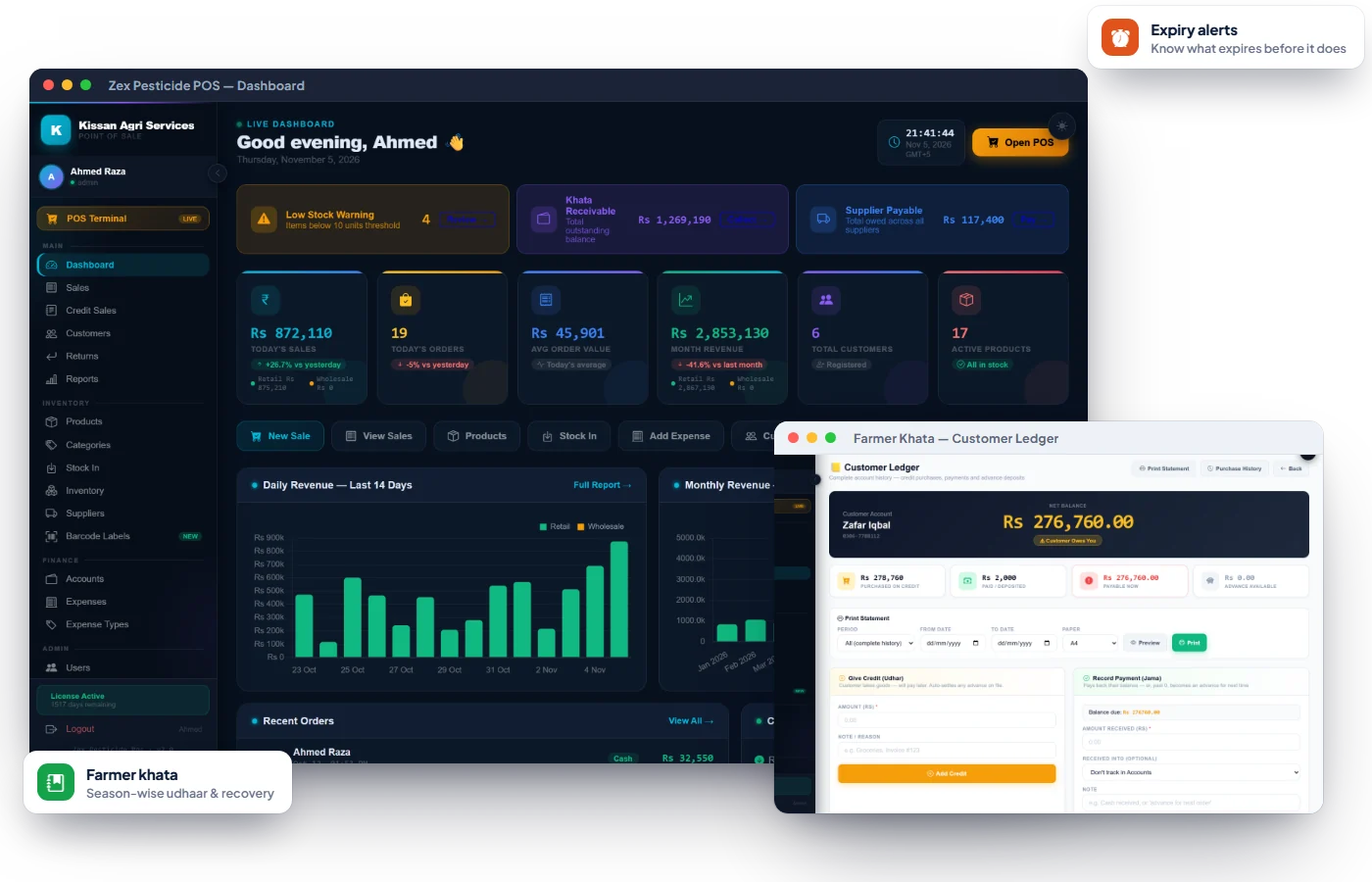
Problems Zex Pesticide POS solves on day one.
Harvest-time khata disputes
Credit sales post to the farmer's khata; print a statement for any season.
Expired stock eats margin
Save expiry per product and sell short-dated stock first.
Distributor payments unclear
Purchase invoices with part-payments and a printable supplier ledger.
Everything in Zex Pesticide POS.
Every feature below is part of the software today — see them all on a free demo.
Fast Counter Billing
Search by name, short code or barcode; hold a bill and resume it.
Retail & Wholesale Price
A farmer price and a sub-dealer price on every product.
Expiry Date Tracking
Expiry stored per product and shown on the stock list.
Farmer Khata
Credit sales go into the khata with notes and part payments.
Printable Statements
Farmer khata and supplier ledger statements for any period.
Supplier Purchases
Purchase invoices paid in parts; payable updates itself.
Cash, Bank & Wallets
Separate accounts with statements and split payments.
Expenses
Rent, labour, transport and bills by type, printable.
Returns
Take back unused stock and adjust stock and khata.
Reports
Item-wise and transaction reports, profit and low-stock alerts.
Users & Permissions
Each salesman sees only the screens they need.
Activity Log & Recycle Bin
See who changed what; restore deleted records.
Season-long udhaar, settled with a clean statement
Every credit sale and payment goes into the farmer's khata, so at harvest you hand over a printed statement — not a torn register page.
- Credit sales post automatically
- Notes like "after wheat harvest"
- Statement for Kharif, Rabi or the year
- Total receivables at a glance
Stop expired stock from eating your margin
Keep the expiry date on each product and review short-dated stock regularly so it is sold or returned in time.
- Expiry date per product
- Short-dated items highlighted
- Reorder level per item
- Agri units: litre, ml, kg, bag
Company invoices and part-payments, reconciled
Record each purchase invoice, add payments as you make them, and print the supplier ledger before every settlement.
- Invoice number and supplier
- Partial payments per invoice
- Printable supplier ledger
- Paid from cash, bank or wallet
Built for pesticide · khad · beej dealers.
Go live in three simple steps.
No IT department needed — most shops can start billing the same day they install.
Book a free demo
Tell us about your business. We show you the software working on your kind of products and answer every question.
Install & activate
Install on your shop computer (or open the web app), enter your license key once, and add your items, rates or menu.
Start selling
Bill, track stock and khata from day one. Questions later? We're one WhatsApp message away.
Pesticide & Agri Dealers — common questions
Everything you need to know. Can't find your answer? Talk to our team.
Does it work without internet?
Yes. It's a Windows desktop application; internet is only needed briefly to activate the license.
Can I keep farmer udhaar until harvest?
Yes. Credit sales go into the farmer's khata with notes and part payments, and you can print a statement for any period.
Can I track pesticide expiry dates?
Yes. Each product stores its expiry date, shown on the stock list.
Can I sell at retail and wholesale prices?
Yes. Every product has a retail and a wholesale price.
How do I get a demo?
Message us on WhatsApp for a live demo and pricing.
Reading for pesticide owners.
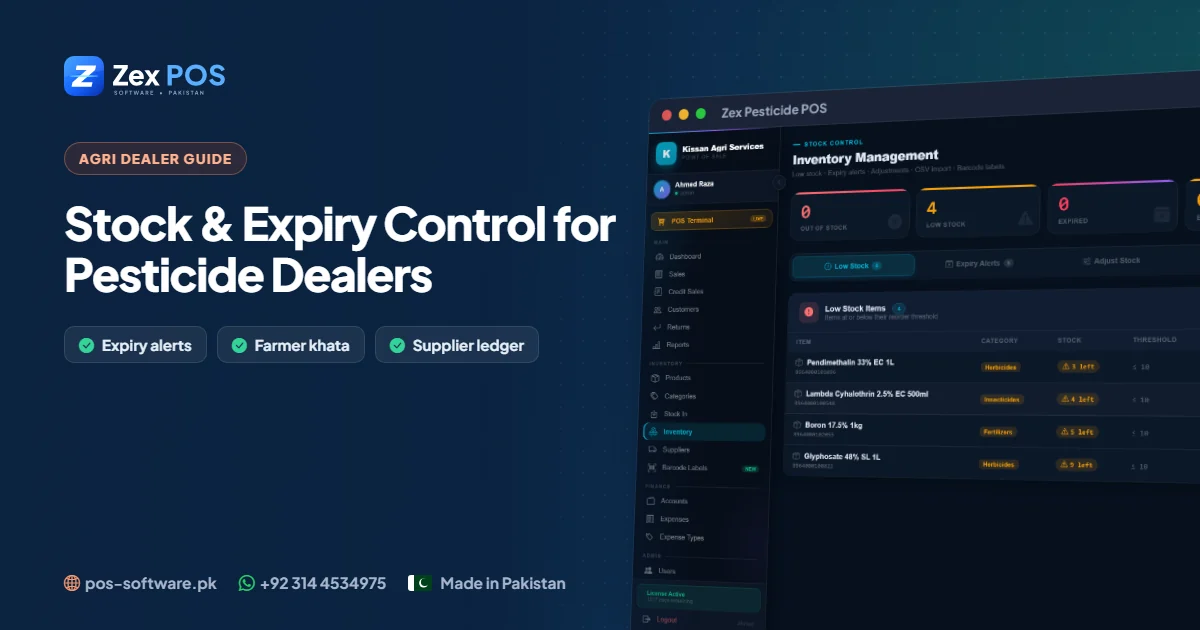
Pesticide Dealer Software in Pakistan: Control Stock, Expiry and Supplier Payments
Pesticide and agri-input dealers juggle expiring stock, seasonal demand, credit to farmers and part-payments to distributors. Here is how dedicated software brings it all under control.
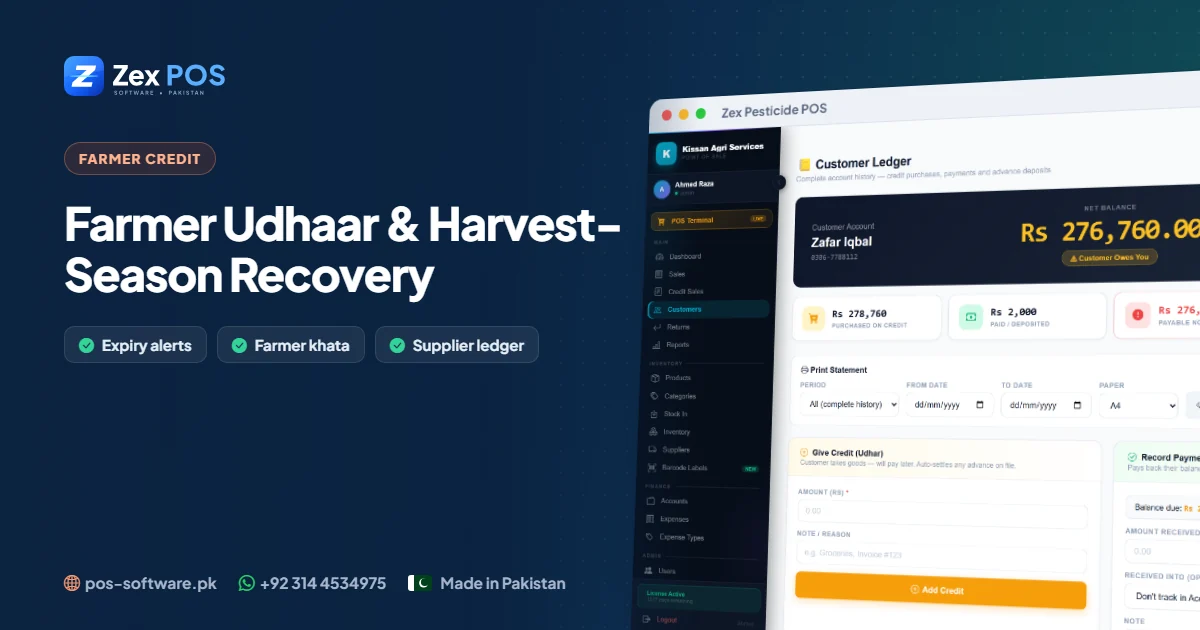
Farmer Udhaar & Harvest-Season Recovery: A Khata Guide for Agri Dealers
Most farmers pay their agri dealer after the crop is sold. That makes credit management the single biggest factor in a dealer's cash flow. Here is how to run farmer udhaar professionally.
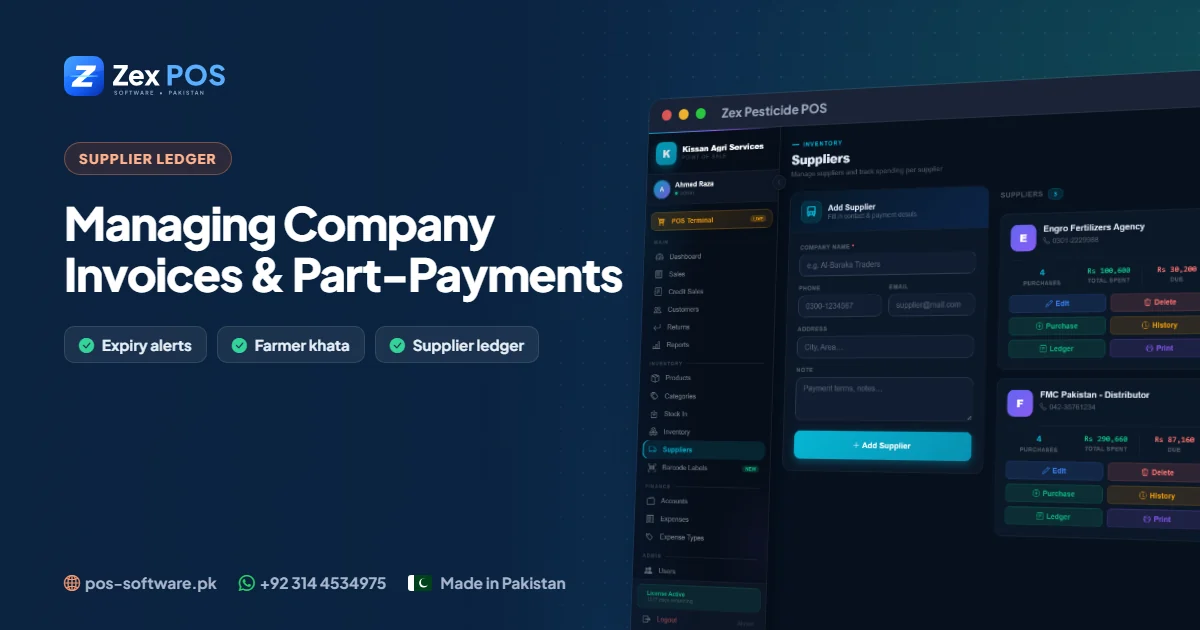
Supplier Ledger for Agri Dealers: Managing Company Invoices and Part-Payments
Distributors deliver on credit and dealers pay in parts through the season. A clean supplier ledger is the difference between a smooth settlement and a long argument.
Get a free pesticide & agri dealers demo.
Tell us about your business. We'll come back with the right product, pricing and a live demo.