
Mobile Shop Software with IMEI, Warranty & Installments
IMEI-wise stock, used-phone purchase on CNIC, warranty claims, repairs, installments, JazzCash/Easypaisa accounts and multi-branch control — one system for Pakistani mobile markets.
Web-based · multi-branch
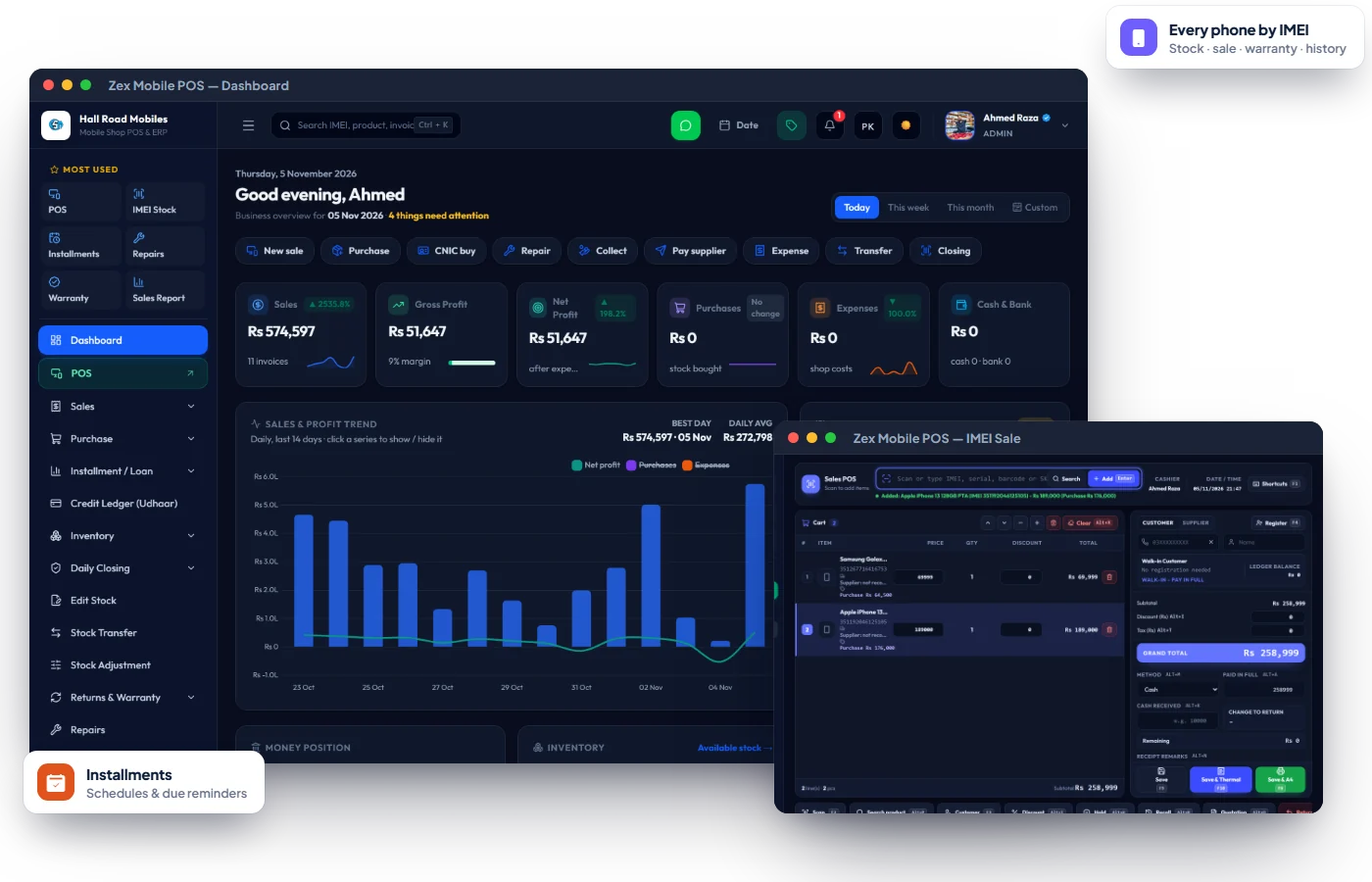
Problems Zex Mobile POS solves on day one.
Phones go missing from stock
Every handset enters and leaves by IMEI — search any IMEI to see its full history.
Warranty slips get lost
Claims, company returns and replacements are tracked against the original sale.
Installments are hard to collect
Every plan has a payment schedule, printed slips and a clear balance due.
Everything in Zex Mobile POS.
Every feature below is part of the software today — see them all on a free demo.
IMEI-wise Stock
Scan to purchase and sell; IMEI purchase history and phone audit lookup.
Accessories & Brands
Chargers, covers and parts with brands, models, categories and barcode tags.
Purchase on CNIC
Buy used phones with the seller's CNIC recorded against the IMEI, plus a printed slip.
Warranty Management
Claims from intake to company and back, replacements and warranty receipts.
Repairs Desk
Repair jobs with technicians, status and handover receipts.
Installments
Advance, monthly amounts, due dates and printable payment slips.
Udhaar Ledger
Customer and dealer ledgers with complete payment history.
Multi-Branch & Transfers
Branch stock, transfers with slips, branch reports and per-branch access.
Cash, Bank & Wallets
Cash, bank, JazzCash and Easypaisa accounts, split payments and cash closing.
Customer & Company Returns
Sale returns and returns to suppliers without breaking stock or accounts.
HR, Payroll & Partners
Employee records, salary slips and partner profit-sharing.
Profit & Stock Reports
Sales, purchases, profit, stock valuation, warranty and expense reports.
Know the full story of every handset
Every purchase, sale, return and warranty claim is tied to the IMEI, so stock is never "somewhere in the shop".
- Scan IMEI at purchase and sale
- IMEI history and phone audit lookup
- Stock value by brand and model
- Adjustments with reasons
Buy used phones with proper CNIC records
Record the seller's identity and the phone's IMEI together before you pay, and keep a printed slip on file.
- Seller CNIC, name and phone with IMEI
- Printable purchase slip
- ID verification records
- Phone audit lookup later
Installment sales that get collected
Keep the plan, its payment schedule, the slips and the balance due in one place.
- Advance, months and monthly amount
- Printable slip per payment
- Dealer and customer udhaar ledger
- Payments into cash, bank or wallet
Built for mobile phone shops & chains.
Go live in three simple steps.
No IT department needed — most shops can start billing the same day they install.
Book a free demo
Tell us about your business. We show you the software working on your kind of products and answer every question.
Install & activate
Install on your shop computer (or open the web app), enter your license key once, and add your items, rates or menu.
Start selling
Bill, track stock and khata from day one. Questions later? We're one WhatsApp message away.
Mobile Shop Software — common questions
Everything you need to know. Can't find your answer? Talk to our team.
Can I track every phone by IMEI?
Yes. Each handset is purchased, stocked, sold, returned and claimed against its IMEI. Search any IMEI to see its full history.
Does it support buying used phones with CNIC?
Yes. Purchase on CNIC records the seller's CNIC, name and phone with the IMEI and prints a slip.
Can I sell on installments?
Yes. Create plans with advance and monthly amounts, collect against each scheduled payment, print slips and see the balance due on every plan.
Does it work for multiple branches?
Yes — branch-wise stock, transfers between branches, branch reports and branch-limited staff access.
Can I record JazzCash and Easypaisa?
Yes. Keep cash, bank, JazzCash and Easypaisa accounts, take split payments and close each day with a cash closing.
Reading for mobile phone shops & chains owners.
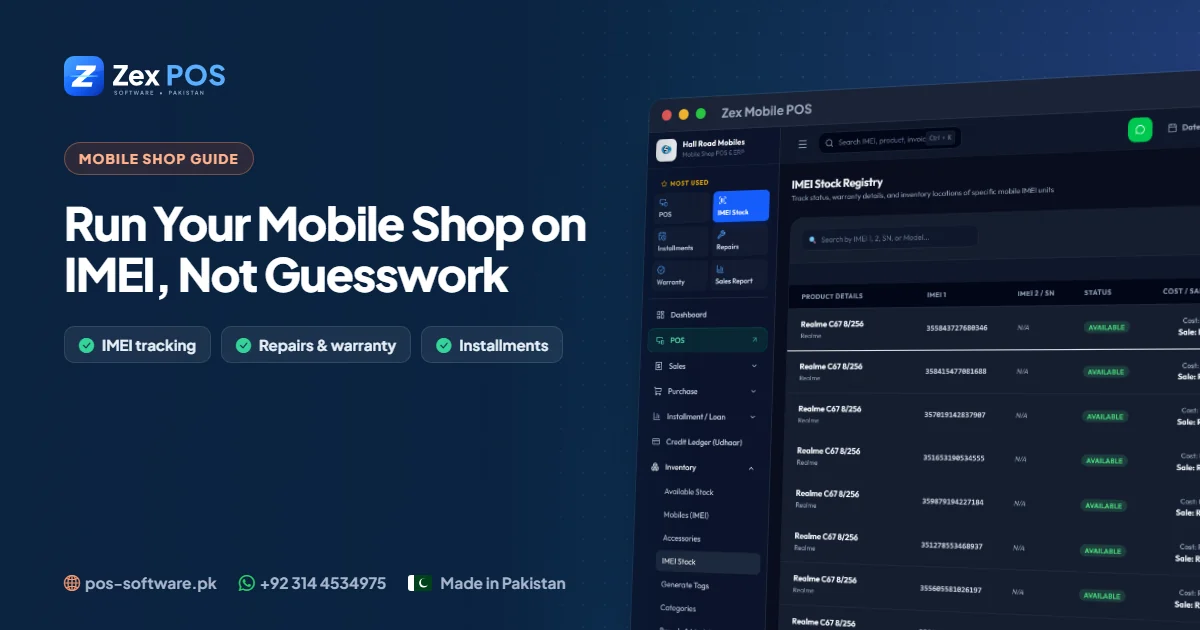
Mobile Shop Software in Pakistan: Run Your Shop on IMEI, Not Guesswork
A mobile shop is not a general store. Every handset is unique, worth tens of thousands of rupees, and comes back for warranty or repairs. Here is how dedicated mobile shop software keeps it all under control.
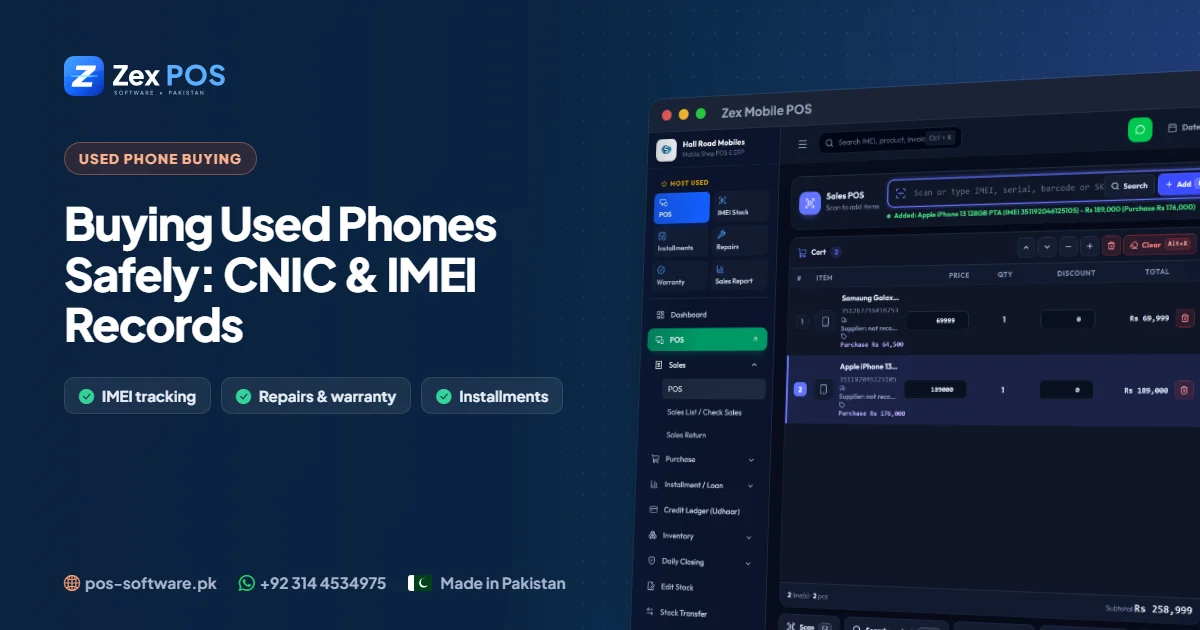
Buying Used Phones Safely: A CNIC & IMEI Record-Keeping Guide for Mobile Shops
Used-phone trading is profitable, but it is also where mobile shops take the most risk. A disciplined CNIC and IMEI record for every purchase protects your shop and your reputation.
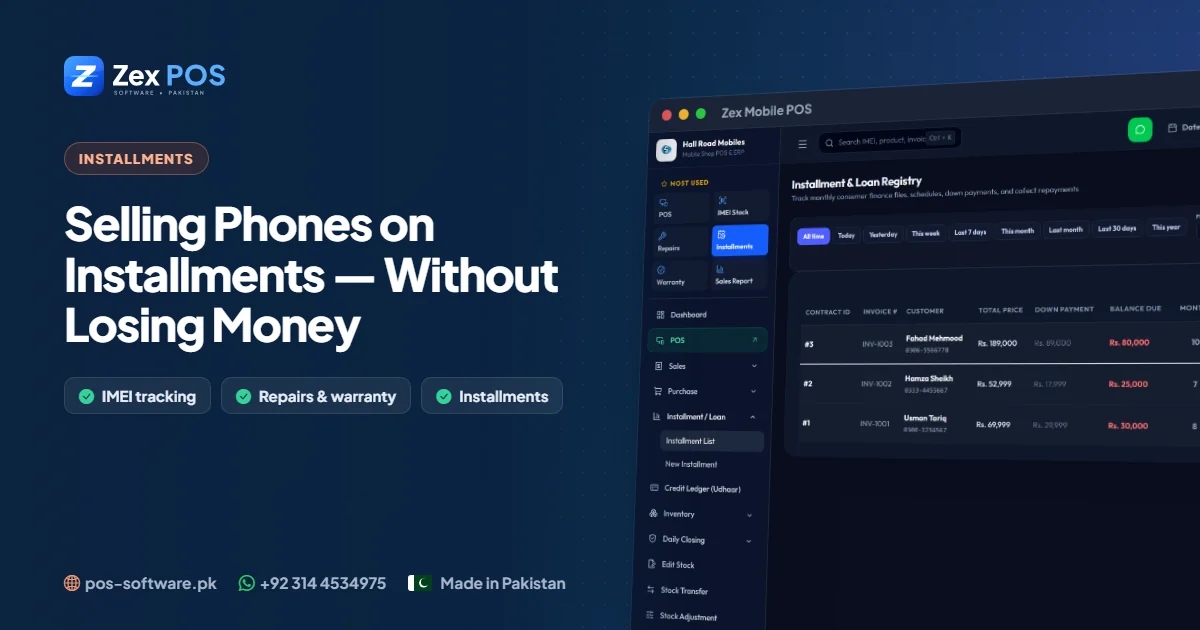
Selling Mobile Phones on Installments: How Pakistani Shops Can Grow Sales Without Losing Money
Installments (qist) bring in customers who could never pay Rs 60,000 at once. But without a system, unpaid balances quietly eat the profit. Here is how to do installment sales properly.
Get a free mobile shop software demo.
Tell us about your business. We'll come back with the right product, pricing and a live demo.