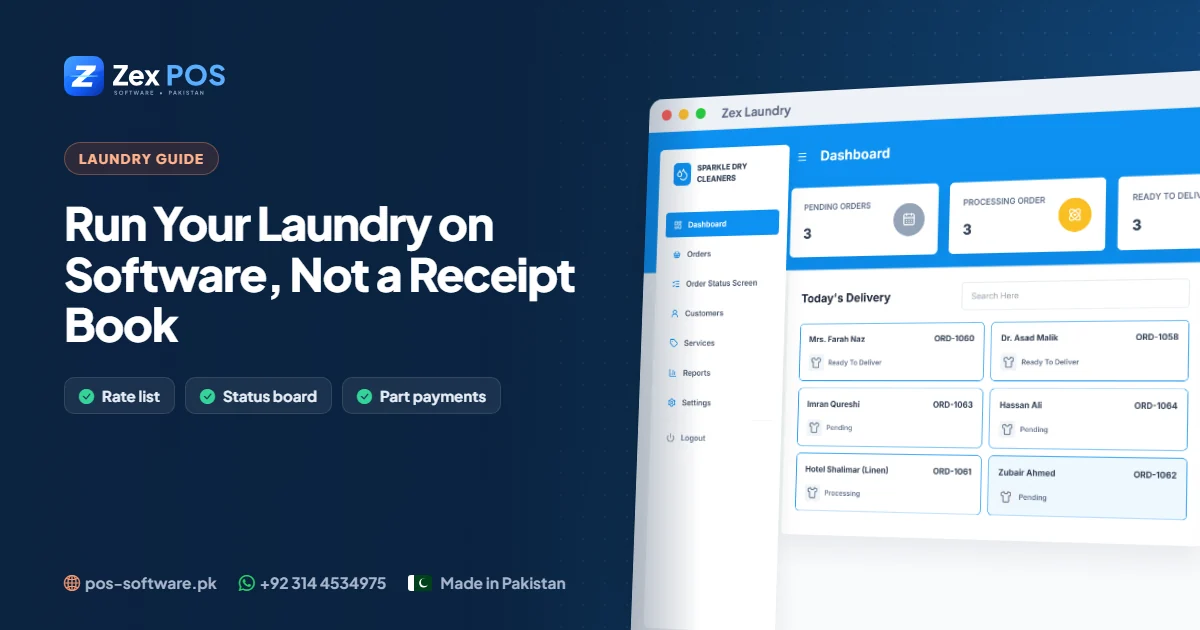
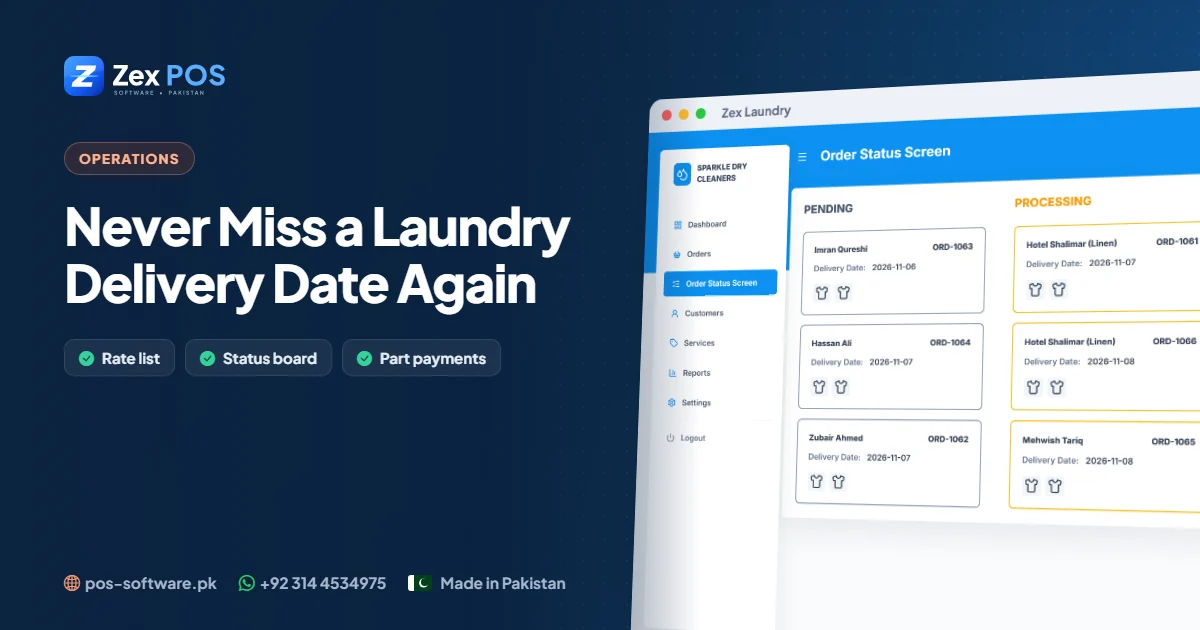
Every laundry owner knows the scene: a customer arrives on the promised day — sometimes for a wedding the same evening — and the clothes are not ready. Usually nobody was careless; the order simply got buried under newer ones. The fix is a system where every order has a status and a deadline, and the deadlines are always in front of the team.
Why orders get missed
- Orders are processed in the order they were received, not the order they are due.
- Nobody can see at a glance what is due today and tomorrow.
- "Ready" orders are not separated from those still in process.
- Urgent orders are promised verbally and forgotten.
Step 1: Promise a delivery date on every order
In Zex Laundry, every order is booked with an order date and a delivery date. Make it a rule: no order is saved without a realistic delivery date, and the same date is printed on the customer's invoice.
Step 2: Move orders through clear statuses
| Status | When to set it |
|---|---|
| Pending | Automatically, when the order is booked |
| Processing | When washing / cleaning starts |
| Ready | When pressed, packed and tagged |
| Delivered | When the customer collects |
| Returned | If an order is returned without completing |
The status should change at the moment the work changes — not at the end of the day.
Step 3: Work from the status board
The status board shows every open order (pending, processing and ready) sorted by delivery date. Put it on a screen in the back room or check it at the start of each shift. The rule for the team is simple: work from the top of the list.
Step 4: A daily 5-minute routine
- Morning: check everything due today and tomorrow. Anything still "pending" goes first.
- Afternoon: confirm today's orders are "ready".
- Evening: mark collected orders "delivered" and note any that weren't picked up.
Step 5: Handle uncollected orders
Orders that stay "ready" for days take up space and tie up money. Message those customers, and if they never return, the order history shows exactly what was left and what is still owed.
Connect status with payment
When marking an order "delivered", collect the remaining balance and record the payment. The customer's ledger shows any amount still outstanding, so nothing leaves the shop unpaid by accident.
What customers notice
- Clothes ready on the promised day
- A clear invoice with the delivery date
- Quick answers when they call — "your order is ready" instead of "let me check"
Read our laundry management software guide or see the status board live on WhatsApp.

Waqas Ali
Waqas ALi
My name is Waqas ali im currently working as software developer in different Field