The used-phone market in Pakistan is huge. Customers upgrade often, and a good second-hand handset sells quickly. For a mobile shop, buying used phones can be one of the best-margin parts of the business. But it also carries risk: if a phone turns out to be stolen, blocked or disputed, the shop that bought it is the first place anyone comes to.
The answer is not to stop buying used phones — it is to buy them with proper records. This guide explains a simple routine any shop can follow.
Why records matter
- Protection: if questions are ever raised about a handset, you can show exactly who sold it to you, when, and for how much.
- Trust: buyers of used phones feel safer purchasing from a shop that documents its stock.
- Accurate profit: recording the purchase price per IMEI shows the true margin on each resale.
The 6-step used-phone purchase routine
1. Verify the seller's identity
Ask for the seller's original CNIC. Check that the photo matches the person in front of you. Record the CNIC number, full name and a working mobile number. Never accept a photocopy alone.
2. Record the IMEI from the device itself
Dial *#06# on the phone to display the IMEI. Compare it with the IMEI on the box (if available) and in the phone's settings. If they don't match, treat it as a warning sign.
3. Check the device status
Make sure the phone is not locked to someone else's account (Google account / iCloud). Check whether it works with a SIM on local networks. Where applicable, check the device's registration status through official channels before buying.
4. Note the condition
Write down the condition: screen, body, battery health, camera, fingerprint/face unlock, and any repairs. This protects you when you resell and sets fair expectations for the next buyer.
5. Agree the price and pay with a record
Record the amount paid and how — cash, bank transfer or mobile wallet. Payments through bank or wallet leave an extra trail.
6. Print and file a purchase slip
Give the seller a slip and keep a copy. The slip should show the shop's name, the date, the seller's details, the handset model and IMEI, and the price paid.
How software makes this routine automatic
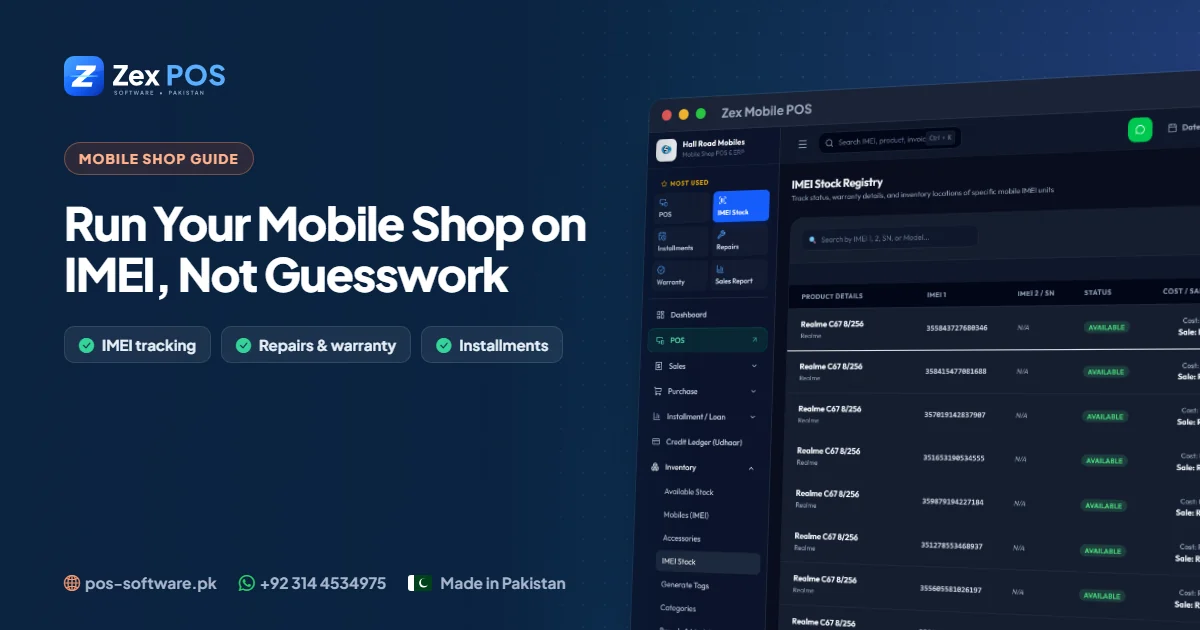
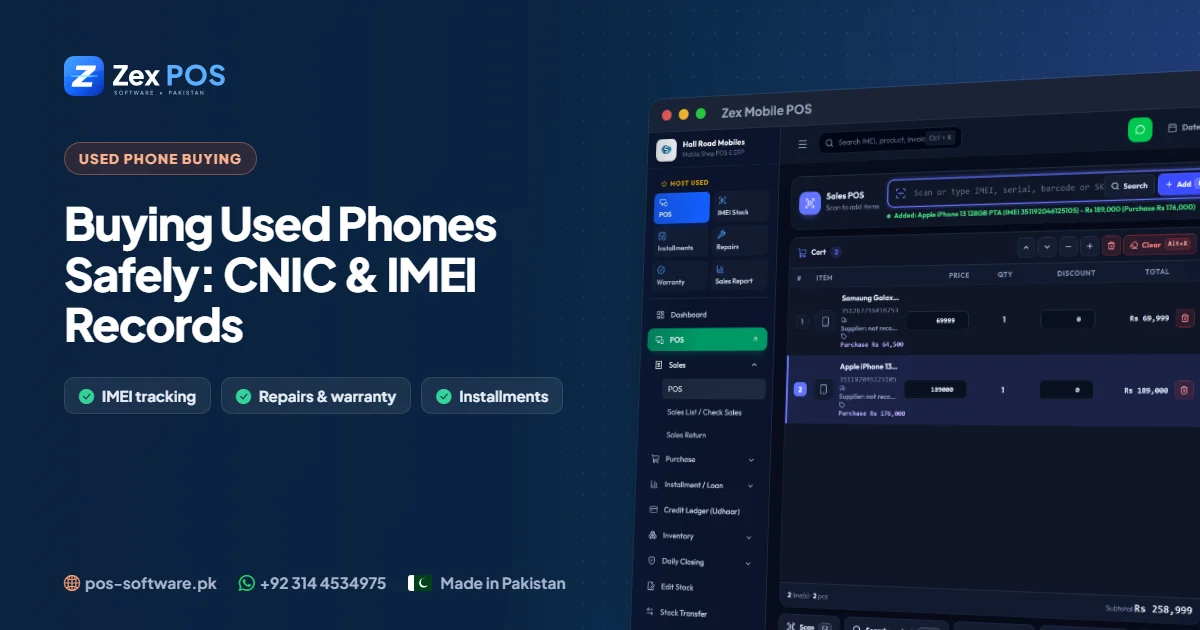
Doing all of this on paper is slow, and paper files are hard to search. In Zex Mobile POS, the Purchase on CNIC screen captures the seller's CNIC, name and phone along with the handset's IMEI in one entry, and prints a purchase slip. Because the phone enters stock by IMEI:
- It appears in your stock immediately, with its purchase cost
- When you sell it, the sale is linked to the same IMEI
- The IMEI purchase history and phone audit lookup show the whole chain — who sold it to you, and who you sold it to — in seconds
- ID verification records stay attached for future reference
Red flags: when to walk away
- The seller refuses to show an original CNIC
- The IMEI on screen doesn't match the box or settings
- The phone is still logged in to someone else's account
- The price is far below market with no good reason
- The seller is in a hurry and avoids questions
Train your staff once, benefit for years
Write the routine on a card and put it at the counter. Make it a rule that no used phone enters stock without a CNIC record and a printed slip. When the software makes these fields part of the purchase screen, the rule enforces itself.
Frequently asked questions
Do I need to keep a copy of the seller's CNIC?
Keep at least the CNIC number, name and phone number with the IMEI. Many shops also keep a photo or copy for their file.
Can I find who sold me a phone months later?
Yes, if the purchase was recorded against the IMEI. Search the IMEI to see the full history.
Next step
Read our main guide on running a mobile shop on IMEI, or ask for a free demo on WhatsApp.

Waqas Ali
Waqas ALi
My name is Waqas ali im currently working as software developer in different Field