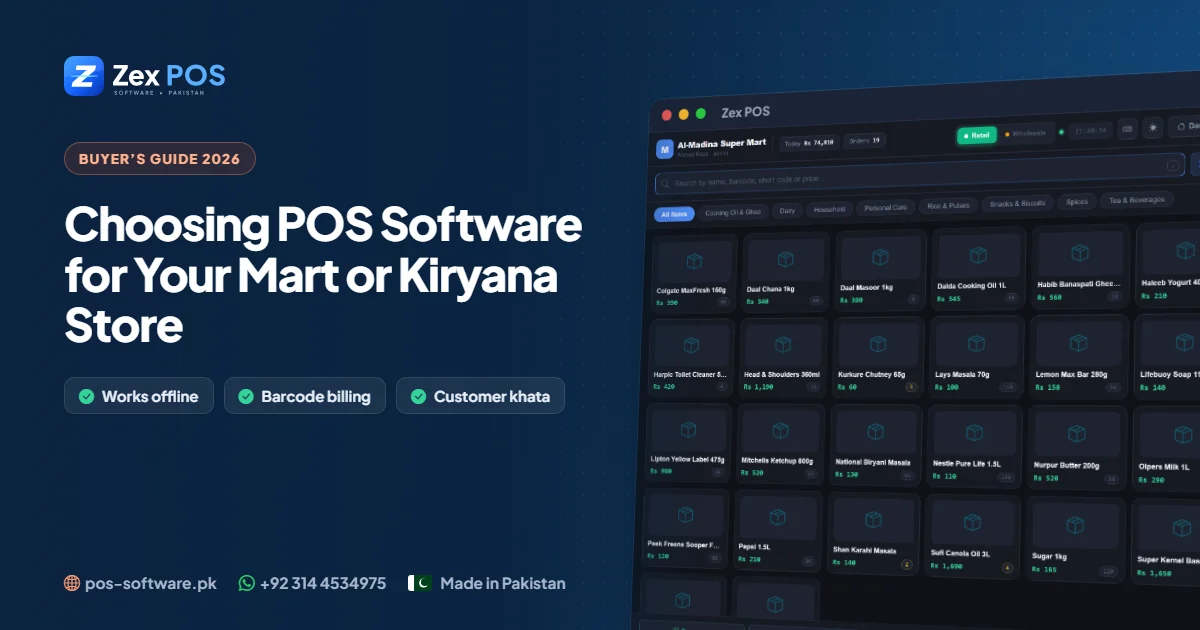
Walk into any busy mart in Lahore, Faisalabad or Gujranwala in the evening and you will see the same pressure point: a queue at the counter, a cashier adding up items by hand or on a calculator, and an owner who will only find out at night whether the day actually made money. POS (point of sale) software fixes exactly this — but only if you choose one that fits how Pakistani stores really work.
This guide explains what to look for, what to avoid, and how to move from a register to a computerised system without disturbing your business.
1. Offline-first is not optional in Pakistan
Many international POS systems are "cloud-only": if the internet drops, the counter stops. With load-shedding, mobile-data hotspots and slow broadband in many markets, that is a serious risk. For a mart or kiryana store, the software should run fully offline on the shop computer and need the internet only for things like activation or updates.
Zex POS is built this way: after a one-time license activation, billing, stock, khata and reports all work without internet.
2. Fast barcode billing — and fast billing without barcodes
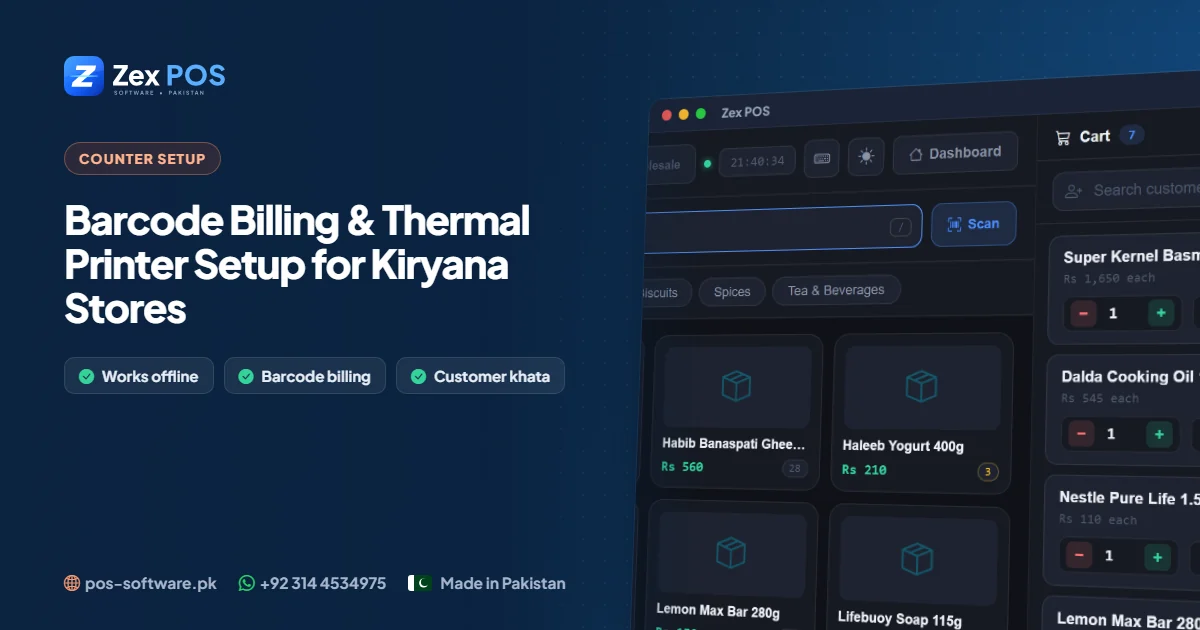
Packaged goods (milk, oil, tea, detergent) come with barcodes, so a USB scanner should add them to the bill instantly. But loose items — daal, sugar, rice by weight, vegetables — don't. Good software lets the cashier find an item by name or a short code in a second or two. Check for:
- Barcode scanning plus search by name / short code
- Keyboard shortcuts so the cashier rarely touches the mouse
- Hold a bill and serve the next customer, then resume it
- Discounts per item or per bill, and quick returns
- Printing on standard 80mm or 58mm thermal receipt printers
If your products don't have barcodes, the software should be able to print barcode labels so you can stick your own.
3. Udhaar (khata) must be built in
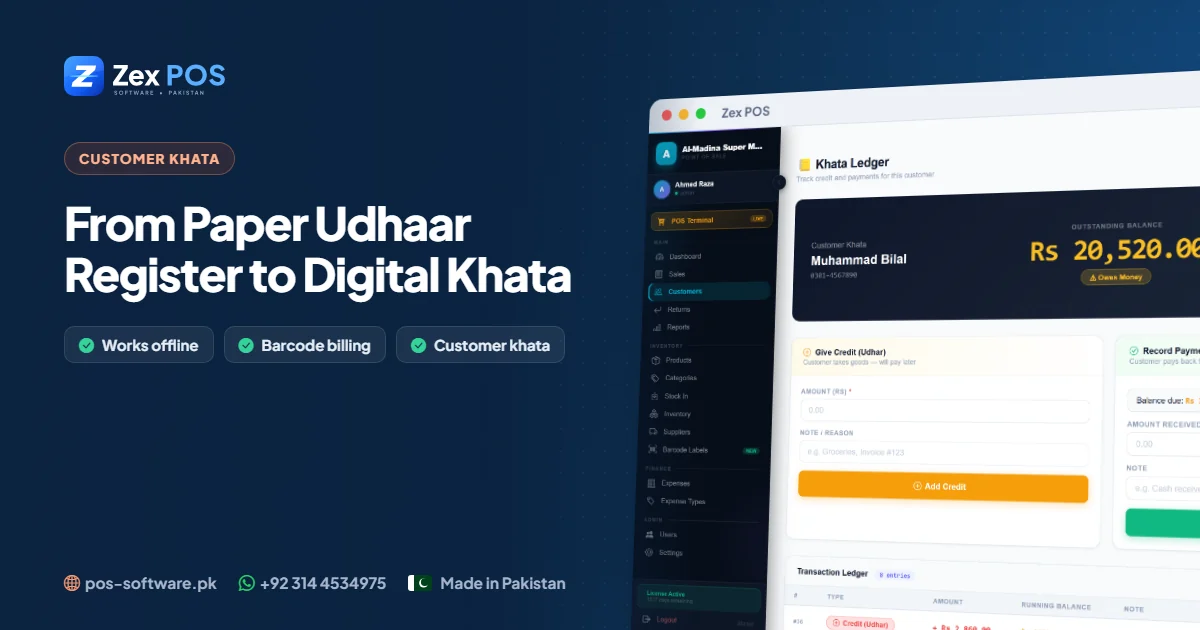
In Pakistan, a large share of neighbourhood sales are on credit. If your POS can't handle udhaar, your staff will keep a separate register — and you are back to the original problem. Look for a customer khata where credit sales post automatically, payments can be received at any time, and the full history is on screen when the customer asks "kitna baqi hai?". We wrote a separate guide on moving your udhaar register to a digital khata.
4. Stock you can trust
A mart with 3,000+ items cannot count everything daily. The software should reduce stock with every sale and increase it with every purchase, so the screen always shows what should be on the shelf. Useful features:
- Low-stock alerts with a reorder level per item
- Purchase entry from suppliers with cost price, so profit is accurate
- Expiry dates for dairy, bakery, medicines and cosmetics
- Supplier records so you know what you bought and from whom
5. Reports that answer real questions
Daily sales totals are not enough. A good POS should tell you:
| Question | Report you need |
|---|---|
| Did we make money today? | Daily sales & profit |
| What sells the most? | Top items by quantity and revenue |
| Where is cash going? | Expenses by type (rent, salary, bills) |
| Is the cashier honest? | Sales per user, returns and discounts |
| How much stock money is on the shelves? | Stock value at cost |
6. Users, permissions and backups
Give each cashier their own login. The owner should control who can give discounts, edit prices, delete bills or see profit. And because offline software keeps your data on your own computer, it must make backups easy — to a USB drive or another disk — so a hard-disk failure doesn't wipe out years of records.
7. Hardware: you probably already have most of it
For a typical mart counter in Pakistan you need:
- A Windows 10 or 11 computer or laptop (4 GB RAM is enough to start)
- A USB barcode scanner
- An 80mm thermal receipt printer
- Optionally, a cash drawer and a UPS for load-shedding
8. Switching from a register: a simple 1-week plan
- Day 1–2: Install the software and enter your top 200–300 fast-moving items with sale price and cost.
- Day 3: Enter udhaar customers with their current balance as an opening entry.
- Day 4–5: Start billing on the computer during quiet hours; add missing items as they come up.
- Day 6–7: Bill everything on the computer. Check the day-end report against cash in the drawer.
Within two weeks most stores never want to go back.
Frequently asked questions
Is POS software expensive for a small kiryana store?
No. Zex POS offers a free 10-day trial and monthly, yearly and lifetime license options, so even a small shop can start without a big upfront cost.
Can I use POS software without barcodes?
Yes. You can bill by item name or short code, and print your own barcode labels when you are ready.
What happens to my data if the computer breaks?
If you keep regular backups on a USB drive, you can restore everything on a new computer.
Try it in your own store
Download the free 10-day trial of Zex POS or message us on WhatsApp (+92 314 4534975) for a guided demo. See the full feature list on the Zex POS mart software page.
Waqas Ali
Waqas ALi
My name is Waqas ali im currently working as software developer in different Field